WGFX: Modern WebGPU & C++20 Graphics Engine
WGFX is a modern C++20 graphics and compute engine built on top of Google Dawn, the reference implementation of WebGPU. It bridges the gap between low-level GPU hardware control and high-level developer ergonomics for real-time scientific visualization, signal processing simulations, and interactive 3D engineering tooling.
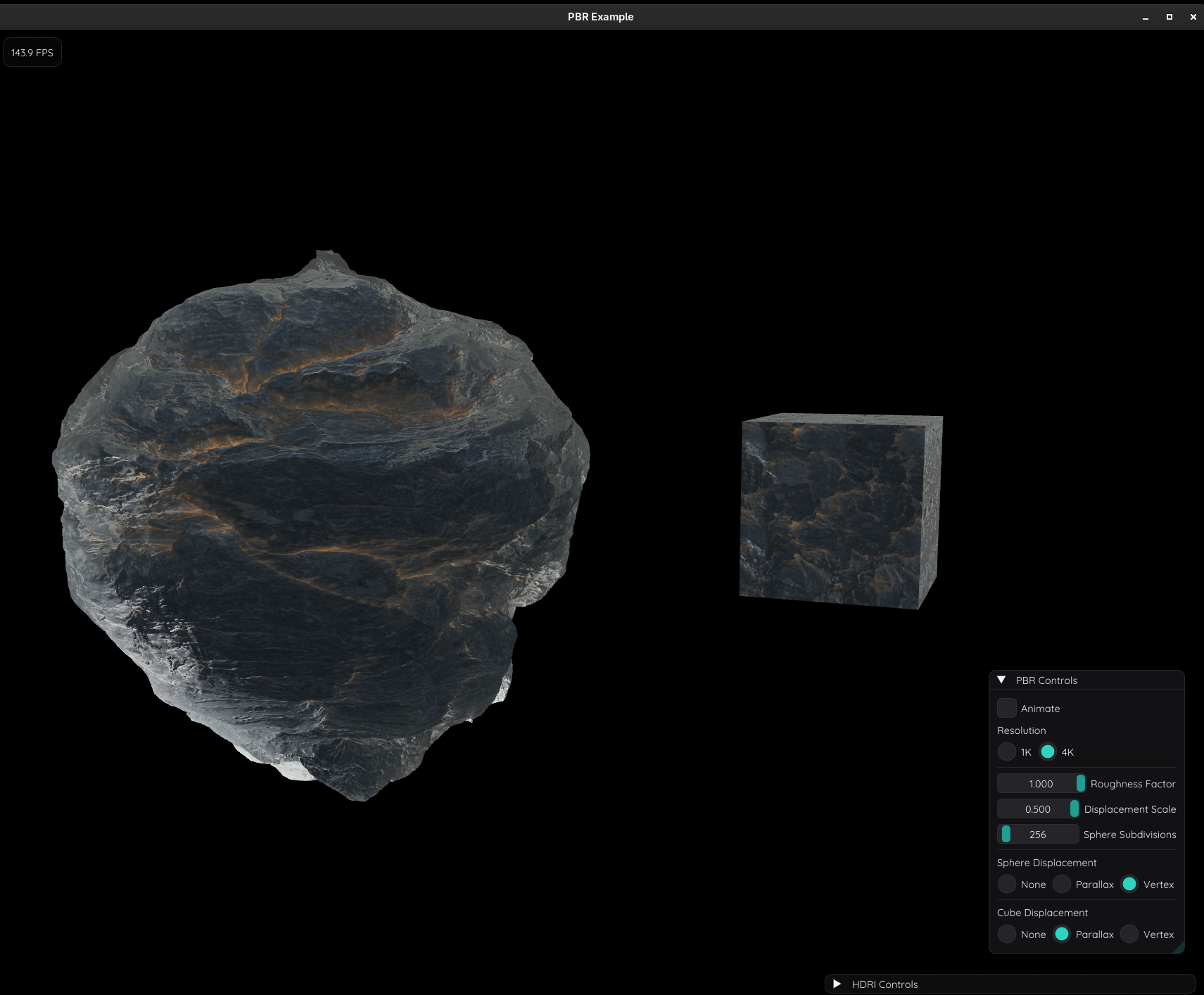
Architectural Philosophy & Core Design
Traditional desktop graphics programming often forces an uncomfortable compromise: the heavyweight complexity and multi-thousand-line boilerplate of raw Vulkan or DirectX 12, versus the outdated driver quirks and state-machine baggage of legacy OpenGL.
WebGPU via Dawn represents a modern sweet spot: an explicit, cross-platform graphics and compute API with rigorous validation layers, robust multi-queue synchronization, and first-class compute shader support.
WGFX wraps Dawn with zero-overhead C++20 idioms, automated resource lifetimes, and high-throughput compute abstractions:
- Reactive Rendering Architecture: Unlike conventional game engines that run an unconstrained busy loop at 1000+ FPS consuming full CPU and GPU cores, WGFX implements an event-driven loop backed by
SDL_WaitEventTimeout. The engine idles until user interaction occurs or background compute tasks explicitly triggerrequestRender(). This slashes idle CPU and GPU power consumption to virtually zero while maintaining smooth 60–144 Hz rendering when active. - Application Profiles (
AppConfig): Tailors window and resource overhead to the workload. Lightweight profiles likeUiOnlyorUiComputecompletely omit 3D PBR render pipelines, depth/MSAA buffers, shadow maps, and audio systems when only ImGui tooling, compute graphs, or 2D plotting are required. - Unified Command Encoding (
CommandList): A move-only command abstraction that composes compute dispatches, GPU buffer transfers, timestamp query resolves, and rasterization passes into a single ordered queue submission per frame, preventing pipeline stalls. - Extensible Render Features: Self-contained rendering stages (such as
SegmentSetfor 3D vector lines/trajectories, or custom post-processing passes) can be registered into the render pipeline dynamically.
C++20 API Architecture & Code Examples
1. The Reactive Application Harness (wgfx::App)
Subclassing wgfx::App provides an integrated lifecycle handling SDL3 windowing, High-DPI scaling, Dear ImGui / ImPlot docking, camera manipulation, and compute synchronization:
#include "wgfx/wgfx.hpp"
#include <iostream>

class RadarVisualizerApp : public wgfx::App {
public:
    RadarVisualizerApp() : wgfx::App(wgfx::AppConfig{
        .window_width = 1600,
        .window_height = 900,
        .title = "Radar Range-Doppler Analyzer",
        .aa_sample_count = 4,
        .presentation_mode = WGPUPresentMode_Fifo,
        .profile = wgfx::AppProfile::Full
    }) {}

    // Encode compute passes that run before the main render pass
    int encode_pre_render(wgfx::CommandList& commands) override {
        if (simulation_active) {
            fft_plan.record(commands, dsp_input_buffer, dsp_spectrum_buffer);
        }
        return 0;
    }

    // Main 3D scene rasterization pass
    int draw(WGPURenderPassEncoder renderPass) override {
        pbr_pipeline.bind(renderPass);
        antenna_model.draw(renderPass);
        return 0;
    }

    // Immediate-mode UI and real-time telemetry plotting
    int ui() override {
        ImGui::Begin("DSP Controls");
        if (ImGui::Button("Trigger Pulse Batch")) {
            simulation_active = true;
            requestRender(); // Wakes up event loop for immediate redraw
        }

        if (ImPlot::BeginPlot("Range-Doppler Power Spectrum (dBm)")) {
            ImPlot::PlotLine("Received Spectrum", frequencies.data(),
                             power_dbm.data(), frequencies.size());
            ImPlot::EndPlot();
        }
        ImGui::End();
        return 0;
    }

private:
    bool simulation_active = false;
    wgfx::fft::FFTPlan fft_plan;
    wgfx::Buffer<wgfx::fft::Complex> dsp_input_buffer;
    wgfx::Buffer<wgfx::fft::Complex> dsp_spectrum_buffer;
    std::vector<float> frequencies;
    std::vector<float> power_dbm;
};

int main() {
    RadarVisualizerApp app;
    return app.run();
}
2. High-Level Compute Pipeline & Typed Buffers (wgfx::compute)
Managing compute passes, bind groups, and staging memory in raw WebGPU requires dozens of descriptor structs. WGFX provides type-safe Buffer<T> abstractions and a variadic ComputePass builder:
#include "wgfx/compute.hpp"

void execute_vector_scale(const wgfx::DeviceContext& context,
                          std::span<const float> input_data,
                          float scale_factor,
                          std::span<float> output_results)
{
    const uint32_t count = static_cast<uint32_t>(input_data.size());

    // Allocate typed GPU buffers
    wgfx::Buffer<float> in_buf(context, "InputBuffer", count,
        WGPUBufferUsage_Storage | WGPUBufferUsage_CopyDst);
    wgfx::Buffer<float> out_buf(context, "OutputBuffer", count,
        WGPUBufferUsage_Storage | WGPUBufferUsage_CopySrc);
    wgfx::Buffer<float> staging_buf(context, "StagingReadback", count,
        WGPUBufferUsage_MapRead | WGPUBufferUsage_CopyDst);

    // Upload data from host to GPU VRAM
    in_buf.write(input_data);

    // Compile or retrieve cached compute pipeline from WGSL source
    auto pipeline = wgfx::ComputeShader::create(context, "shaders/scale.wgsl", "main");

    // Compose compute pass using variadic bind group builder
    wgfx::ComputePass pass(context, pipeline);
    pass.addBindGroup(0, in_buf, out_buf);
    pass.dispatch((count + 63) / 64);

    // Copy result to CPU-readable staging buffer and submit to GPU queue
    pass.stageOutput(out_buf, staging_buf);
    pass.submit();

    // Synchronous or asynchronous map-read back into CPU memory
    staging_buf.read(output_results);
}
Companion WGSL compute shader (shaders/scale.wgsl):
@group(0) @binding(0) var<storage, read> input_data: array<f32>;
@group(0) @binding(1) var<storage, read_write> output_data: array<f32>;

@compute @workgroup_size(64, 1, 1)
fn main(@builtin(global_invocation_id) id: vec3<u32>) {
    let index = id.x;
    if (index < arrayLength(&input_data)) {
        output_data[index] = input_data[index] * 2.5;
    }
}
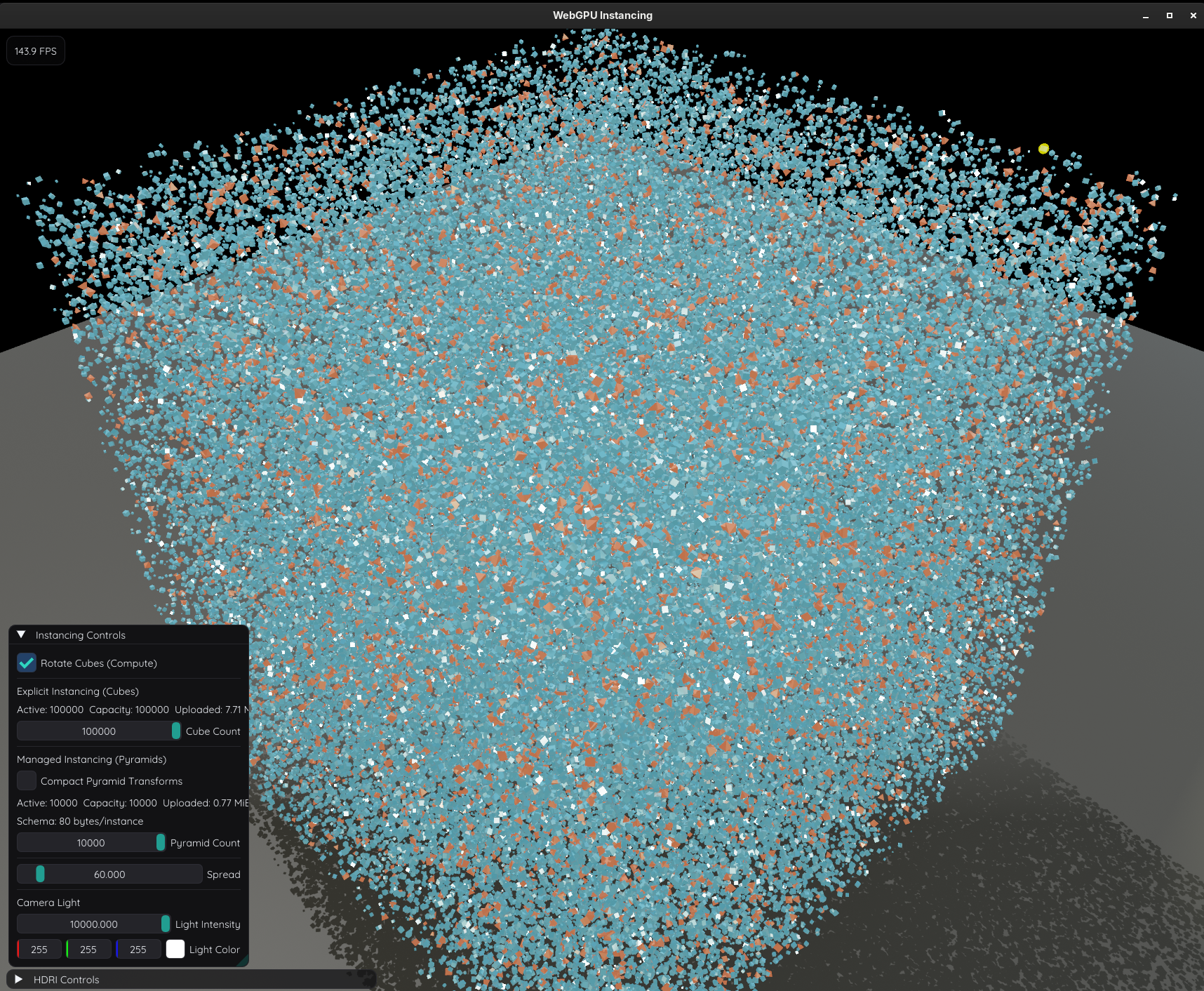
3. GPU-Accelerated FFT Library (wgfx::fft)
WGFX includes an in-house WebGPU compute Fast Fourier Transform engine inspired by NVIDIA’s CUFFT:
- Transform Types: 1D and 2D Complex-to-Complex (
C2C), Real-to-Complex (R2C), and Complex-to-Real (C2R) forward and inverse transforms. - Optimized WGSL Kernels: Stockham auto-sort algorithm, Radix-4 kernels, Bluestein chirped-Z transform for arbitrary non-power-of-two lengths, and Hermite-symmetry packing/unpacking for real signals.
- Direct CommandList Pipelining: FFT plans record multi-pass compute dispatches directly into an active
CommandListwithout forcing GPU flushes or host synchronization points.
#include "wgfx/fft/fft.hpp"

void run_2d_spectrum_analysis(const wgfx::DeviceContext& context) {
    const uint32_t width = 1024;
    const uint32_t height = 1024;

    // Create 2D Complex-to-Complex Plan (Width x Height)
    wgfx::fft::FFTPlan plan2d = wgfx::fft::FFTPlan::create2D(
        context, width, height,
        wgfx::fft::TransformType::C2C,
        /*batch=*/1,
        wgfx::fft::Normalization::Unitary
    );

    wgfx::Buffer<wgfx::fft::Complex> spatial_domain(context, "SpatialImage",
        width * height, WGPUBufferUsage_Storage | WGPUBufferUsage_CopyDst);
    wgfx::Buffer<wgfx::fft::Complex> frequency_domain(context, "FrequencySpectrum",
        width * height, WGPUBufferUsage_Storage | WGPUBufferUsage_CopySrc);

    // Record FFT execution into an existing CommandList alongside other compute/render work
    wgfx::CommandList cmdList(context, "FFT Spectrum Analysis");
    plan2d.record(cmdList, spatial_domain, frequency_domain, wgfx::fft::Direction::Forward);

    // Submit batch to the GPU queue asynchronously
    wgfx::JobManager jobs(context);
    wgfx::Submission future = jobs.submit(std::move(cmdList));
    jobs.waitForFuture(future);
}
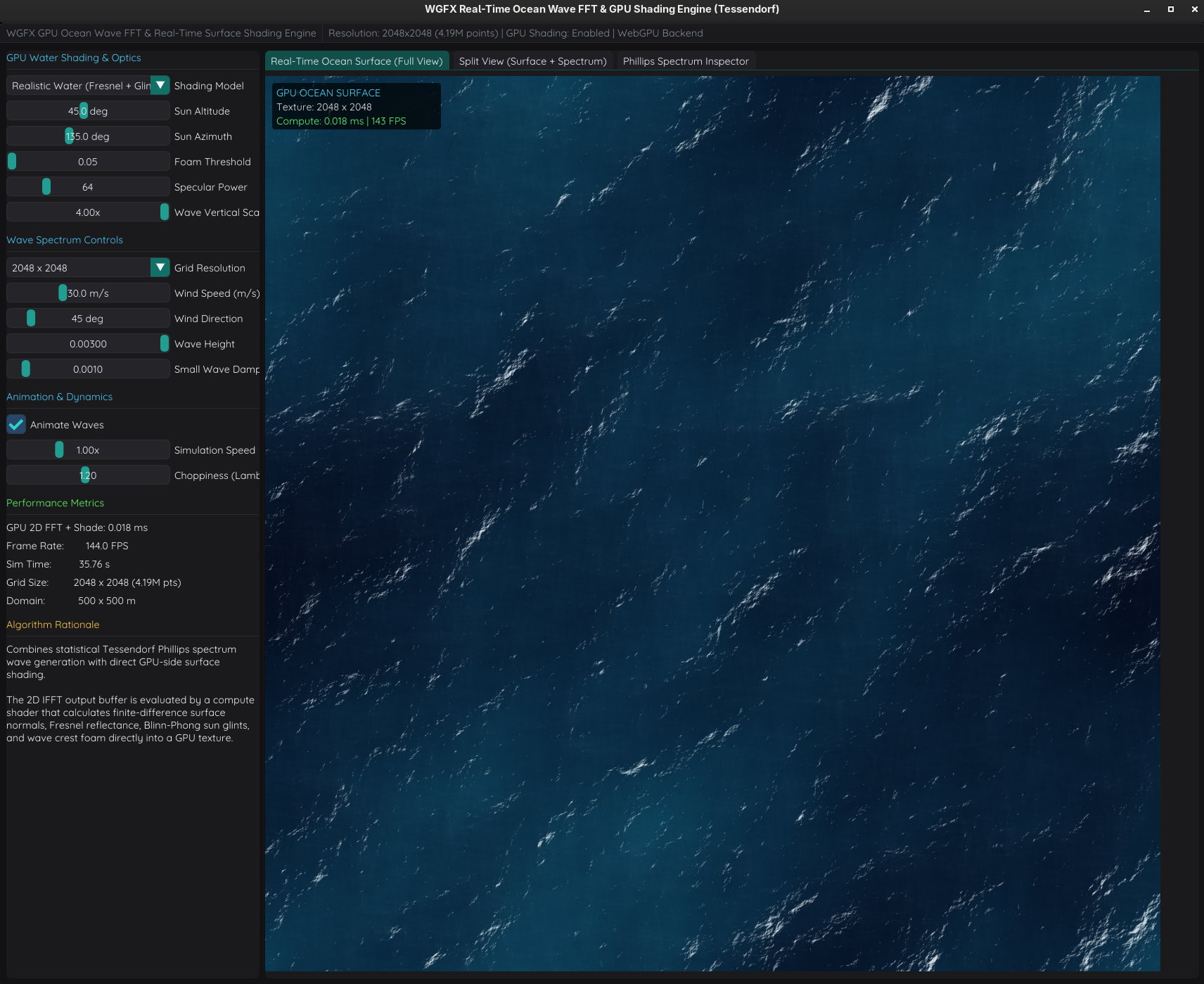
4. Physically Based Rendering (PBR) & Lighting Pipeline
The rendering module implements a modern physically based graphics pipeline:
- Cook-Torrance Microfacet BRDF: Evaluates GGX normal distribution, Smith geometric shadowing, and Schlick Fresnel approximation.
- Clustered Forward Lighting: Divides the camera view frustum into a 3D grid of clusters via compute shaders (
cluster_lights.wgsl), culling dozens of point and spotlights into per-cluster light index lists for efficient single-pass forward rendering. - Percentage-Closer Soft Shadows (PCSS): Dynamically calculates blocker depth and penumbra width to produce realistic contact hardening (crisp near contact, diffuse further away).
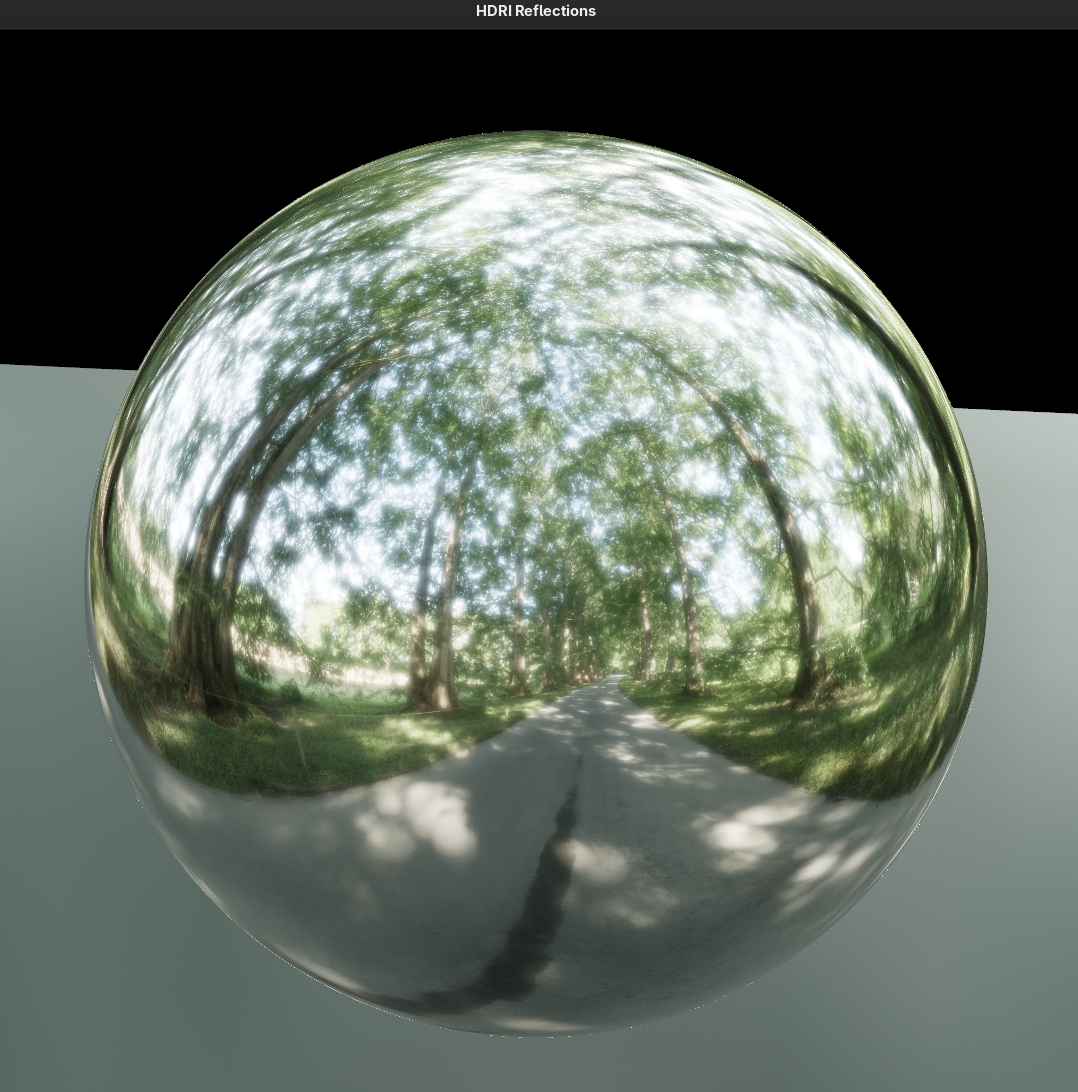
- HDRI Reflections: Real-time HDR equirectangular skybox maps prefiltered into GGX specular mip chains (
prefilter_environment.wgsl). - Tonemapping: Configurable ACES Filmic, AgX, and Reinhard tonemapping operators in WGSL.
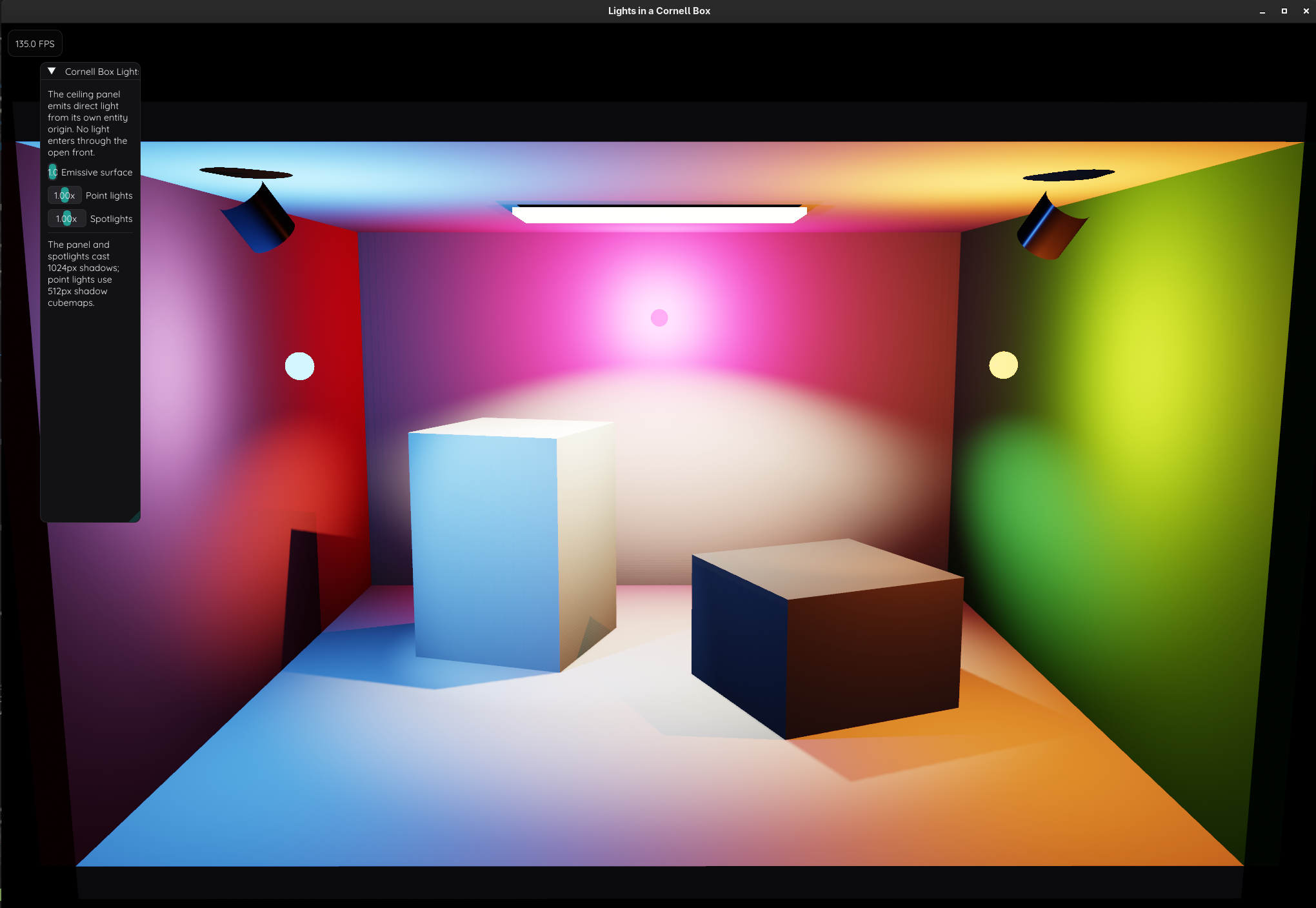
Exploratory Simulations & Tools
WGFX serves as the graphics and compute substrate for diverse engineering applications:
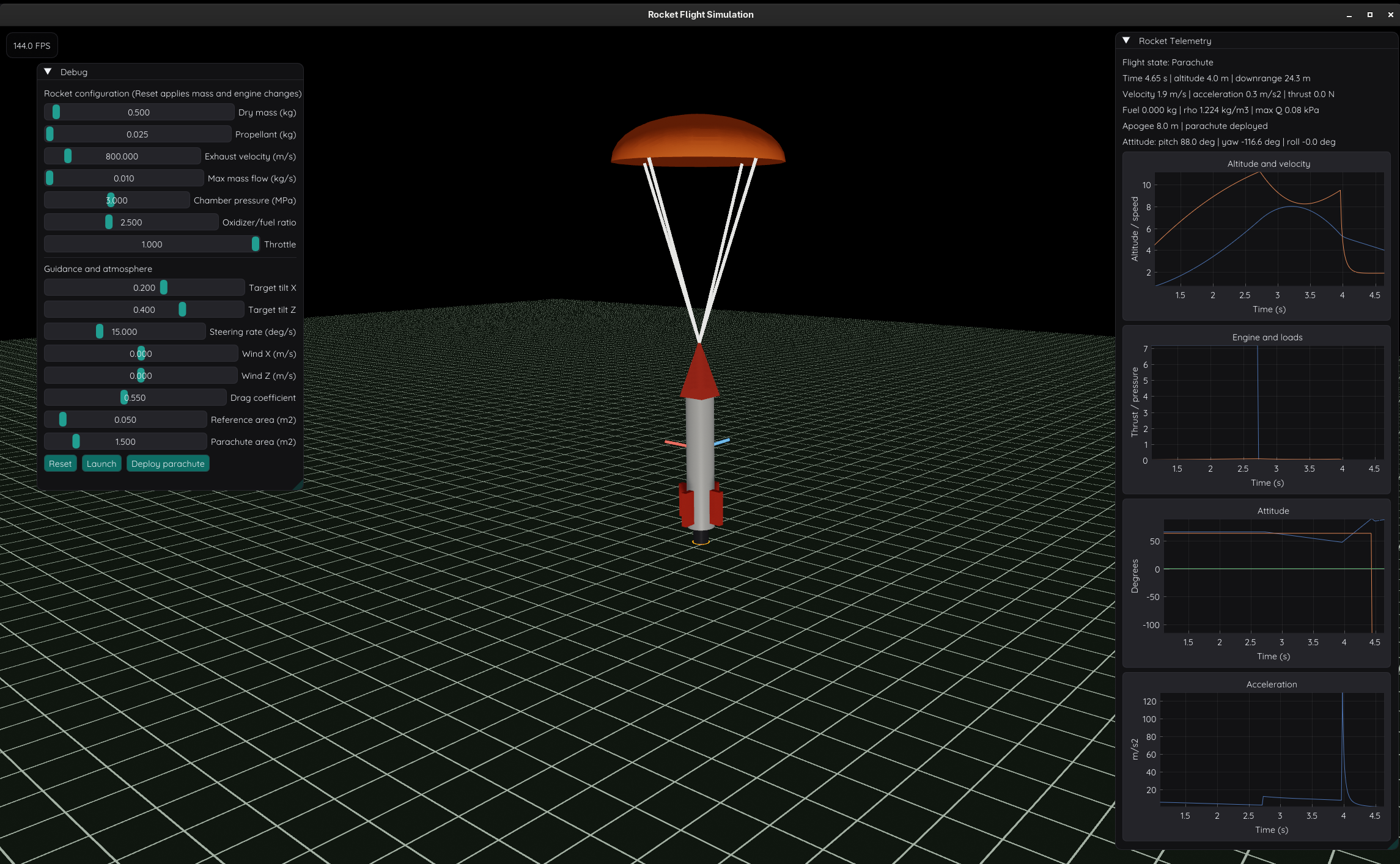
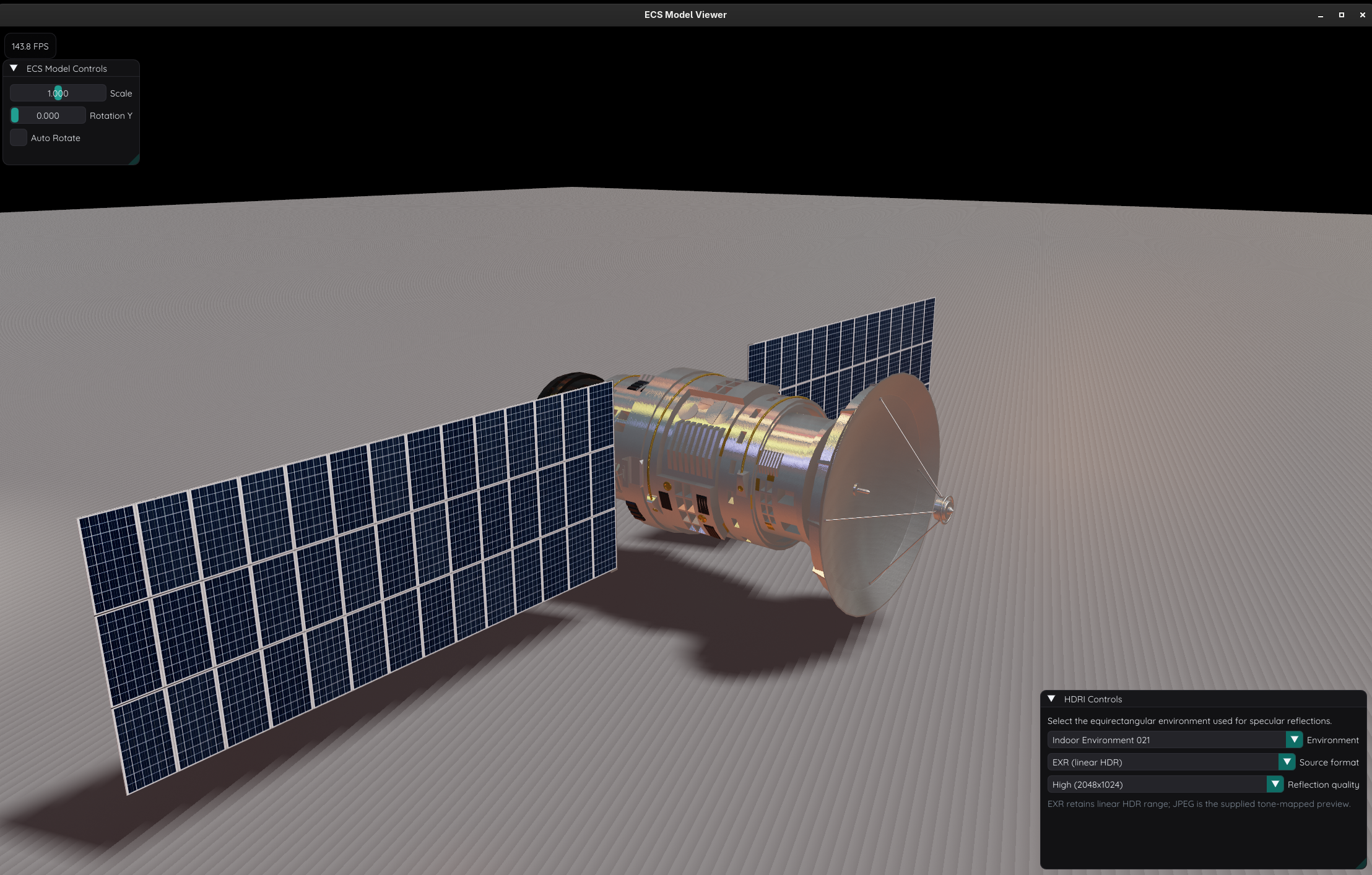
fft_ocean: Synthesizes open ocean water surfaces using the Tessendorf/Phillips wave spectrum evaluated via 2D GPU IFFTs, complete with real-time Fresnel water shading, subsurface scattering approximations, and foam crest tracking.rocket: Multi-stage 6-DOF rocket simulation evaluating variable motor thrust profiles, atmospheric drag curves, and apogee events with real-time multi-channel telemetry plotted via ImPlot.model: 3D asset inspection harness powered by EnTT (ECS) and Assimp, featuring PBR materials, HDRI reflections, and soft contact shadows.fft_diffraction: Interactive Fourier optics workbench simulating near-field (Fresnel) and far-field (Fraunhofer) optical diffraction across arbitrary apertures (James Webb Space Telescope hexagonal segment array, gratings, slits, and knife edges).antenna: Real-time phased array antenna simulator computing beamforming radiation patterns across dynamic azimuth/elevation steering vectors on the GPU.flows: Integration with Taskflow to orchestrate complex heterogeneous directed acyclic graphs (DAGs) across multi-threaded CPU worker pools and WebGPU compute queues.tonemapping: Side-by-side interactive comparator analyzing exposure, luminance distribution, and color reproduction across ACES, AgX, and Reinhard curves.
Tech Stack & Dependencies
- Language: C++20 (Clang 16+, GCC 13+, MSVC 2022)
- GPU Backend: WebGPU via Google Dawn & WGSL Shaders
- Windowing & Input: SDL3 (Native High-DPI & Retina support)
- UI & Visualization: Dear ImGui, ImPlot, ImPlot3D, ImGuiFileDialog
- Mathematics & ECS: GLM (OpenGL Mathematics), EnTT
- Asset Loading & Audio: Assimp (3D models), stb (textures/images), miniaudio (audio DSP)
- Concurrency: Taskflow
- Build System: Modern CMake with CPM.cmake