tsim: RF, Flight, Tracking & Orbital Simulation
tsim brings together RF signal generation, communicating radio networks, aircraft dynamics, sensor modeling, track fusion, and orbital visualization. Its libraries and companion services can run independently or share a scenario through explicit network and control interfaces.
The graphics and portable GPU compute layer uses WGFX, built on SDL3 GPU and Slang. RF and antenna tools also offer native CUDA and ROCm/HIP paths. Local packed-IQ streams use msg shared memory by default, while DIS, track reports, HTTP/WebSockets, and optional VITA-49 UDP connect other parts of the suite.
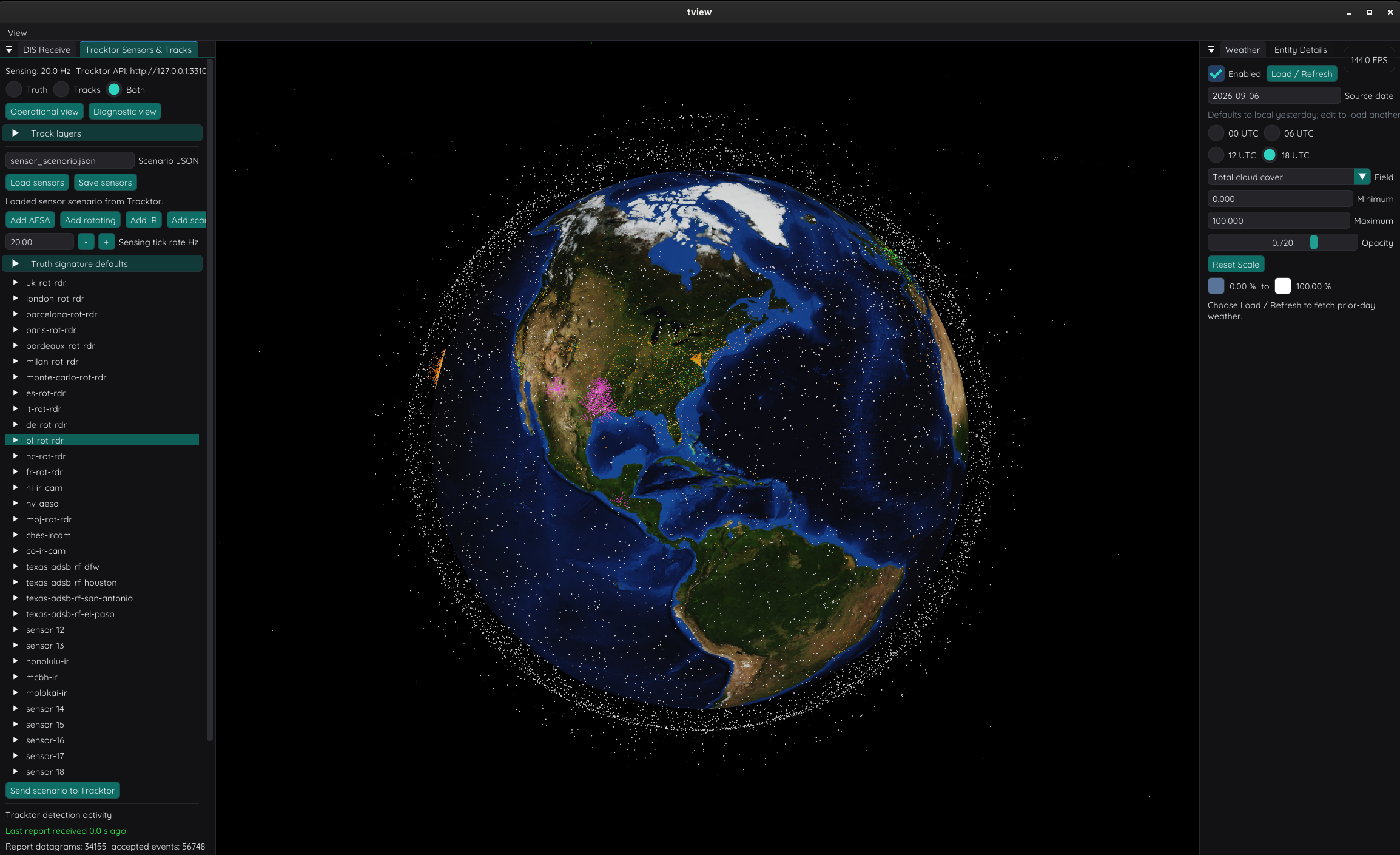
Updated October 12, 2026. This overview introduces the suite; the five linked articles explore each subsystem’s implementation, examples, and model limits.
Explore the Deep Dives
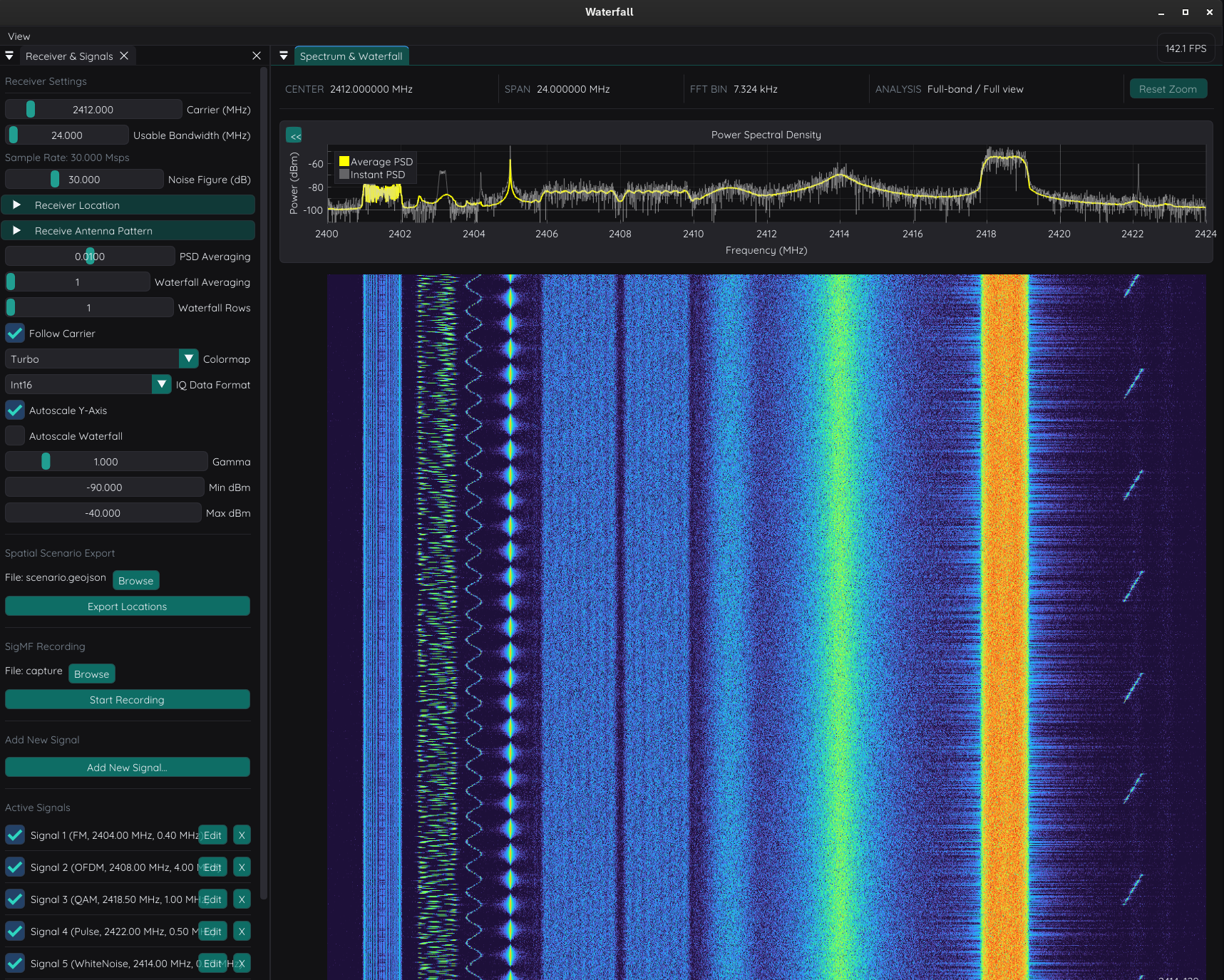
RF synthesis & antennas
From spatial emitters and antenna patterns to continuous IQ and spectrum analysis.
Read deep dive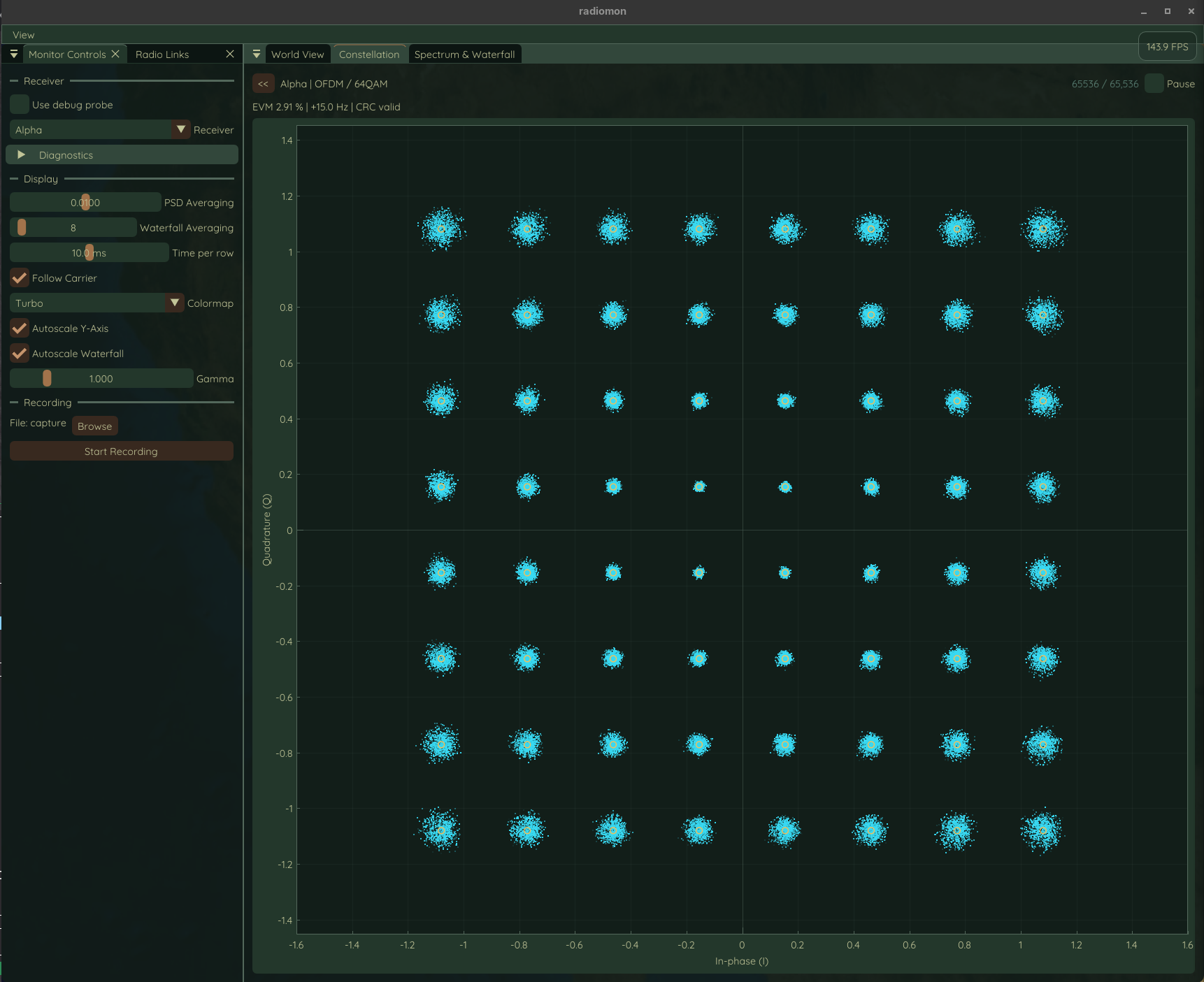
Radio modems
Follow packets through modulation, a shared RF world, and receiver correction.
Read deep dive
Flight dynamics
How aircraft physics, route guidance, and weather shape a flight.
Read deep dive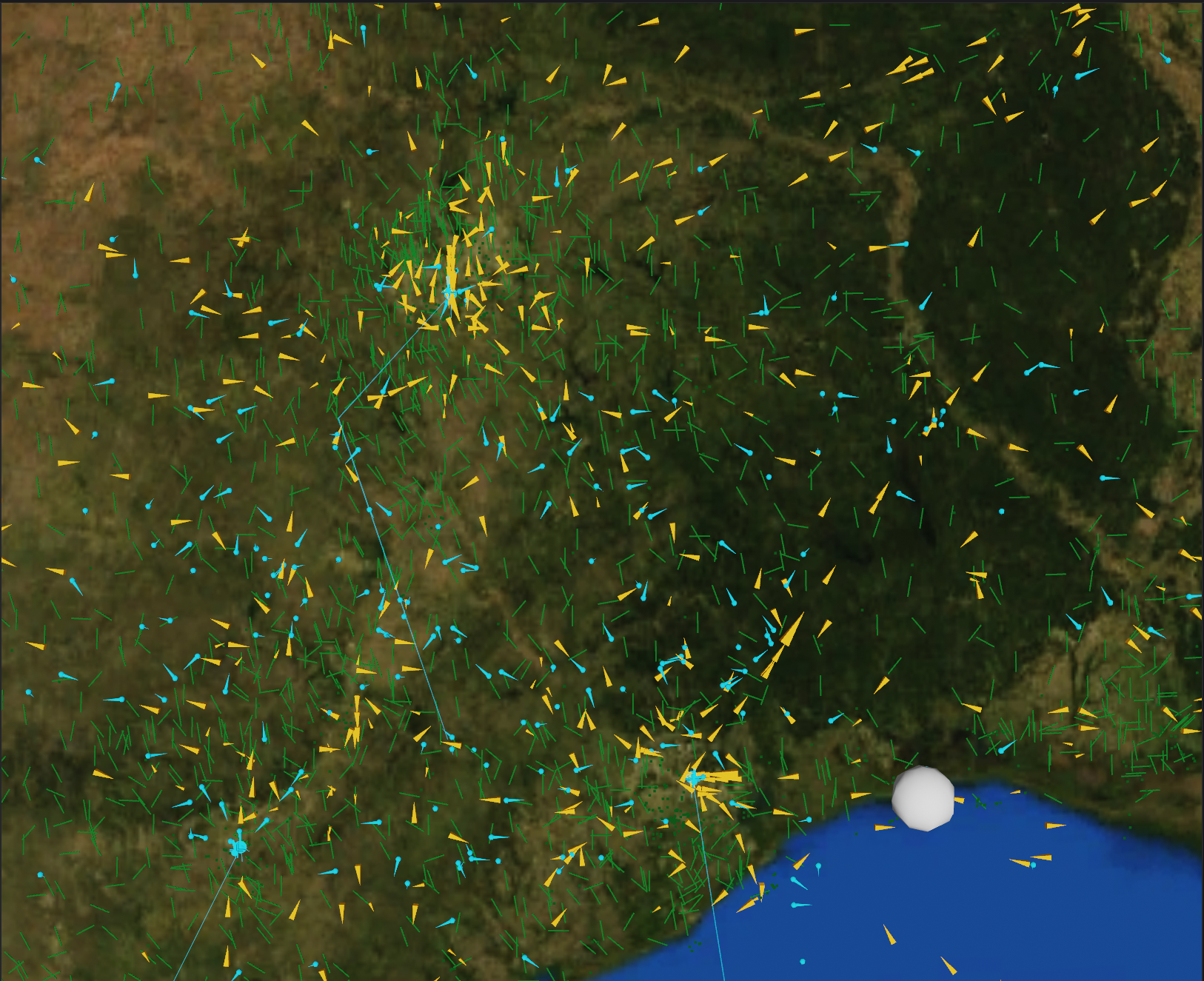
Sensors & track fusion
Turn uncertain radar, infrared, and RF observations into stable tracks.
Read deep dive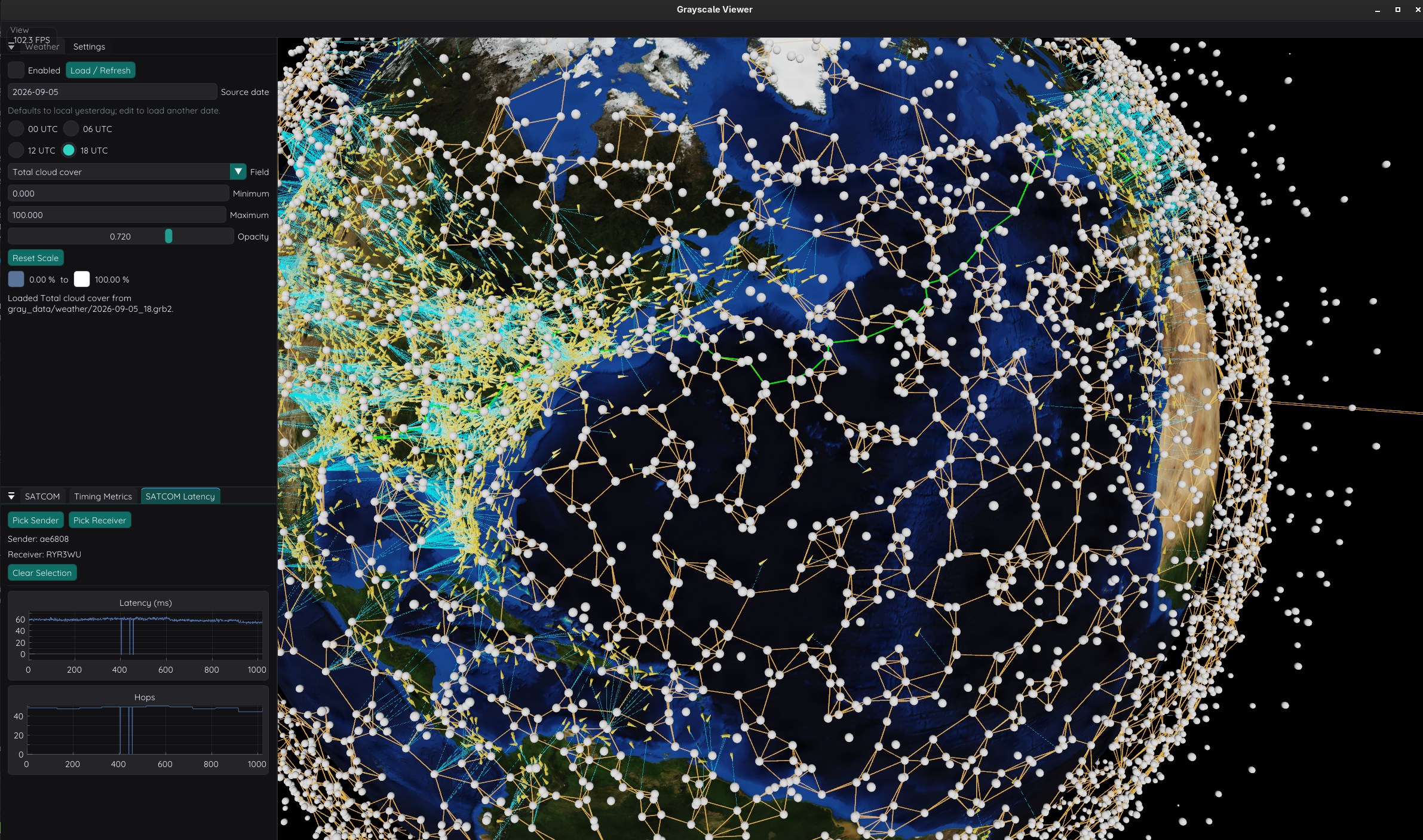
SATCOM Modeling
Explore satellite propagation, connection management, and changing network routes.
Read deep diveHow the Tools Fit Together
The suite has two complementary flows. The RF tools generate and process sampled signals. The entity tools publish truth, derive sensor observations, and estimate tracks. Orbital tools add constellation geometry and network exploration.
graph TB
    flight["<b>flight</b><br/><small>Aircraft dynamics</small>"] --> dis["<b>DIS bus</b><br/><small>Entity truth</small>"]
    backend["<b>backend</b><br/><small>Other entities</small>"] --> dis
    dis --> tracktor["<b>tracktor</b><br/><small>Sensor models</small>"]
    dis -.-> flightview["<b>flightview</b><br/><small>Aircraft HUD</small>"]
    dis -.-> tview["<b>tview</b><br/><small>Tactical display</small>"]
    tracktor -->|TTR1 · source reports| trackfuse["<b>trackfuse</b><br/><small>Track fusion</small>"]
    tracktor -->|Source reports| tview
    trackfuse -->|TTR1 · fused reports| tview
    class dis transport
    class flightview,tview viewer
Dashed arrows show direct truth feeds to the viewers. Source and fused estimates share the TTR1 report bus.
graph LR
    iqgen["<b>iqgen</b><br/><small>Signal synthesis</small>"] -->|IQ stream| waterfall["<b>waterfall</b><br/><small>Spectrum & recording</small>"]
    class waterfall viewer
iqgen publishes IQ samples through msg shared memory for waterfall to analyze or record.
graph LR
    consoles["<b>Browser consoles</b><br/><small>Radio controls</small>"] <-->|HTTP / WebSockets| iqradio["<b>iqradio</b><br/><small>Packet modems</small>"]
    iqradio -->|IQ stream| radiomon["<b>radiomon</b><br/><small>Receiver monitoring</small>"]
    class radiomon viewer
HTTP and WebSockets connect the browser controls. msg shared memory carries receiver IQ to the monitor.
iqgen combines emitters, channel effects, and antenna gain into IQ for waterfall to analyze or record. antenna inspects the patterns used by those models. iqradio adds packet modulation and decoding in a synchronized RF world; radiomon exposes the spectrum and corrected receiver symbols.
flight supplies native aircraft truth. tracktor models radar, infrared, and passive-RF observations of truth entities, and trackfuse associates their reports into fused estimates. tview displays truth, raw observations, and fused tracks, and edits sensor and flight scenarios. flightview provides an aircraft HUD.
satviz propagates TLE catalogs or generated constellations. backend supplies orbital and other entity sources. grayscale explores aircraft-to-satellite connectivity and inter-satellite routes.
Weather and the Shared Globe
The globe viewers in tview, satviz, and grayscale share GRIB2 weather overlays. They display cloud cover, temperature, pressure, humidity, precipitation, reflectivity, and wind fields from NOAA/NCEP data. The weather controls select the source date, UTC slice, field, and available pressure level; color range and opacity control how that field appears on the globe.
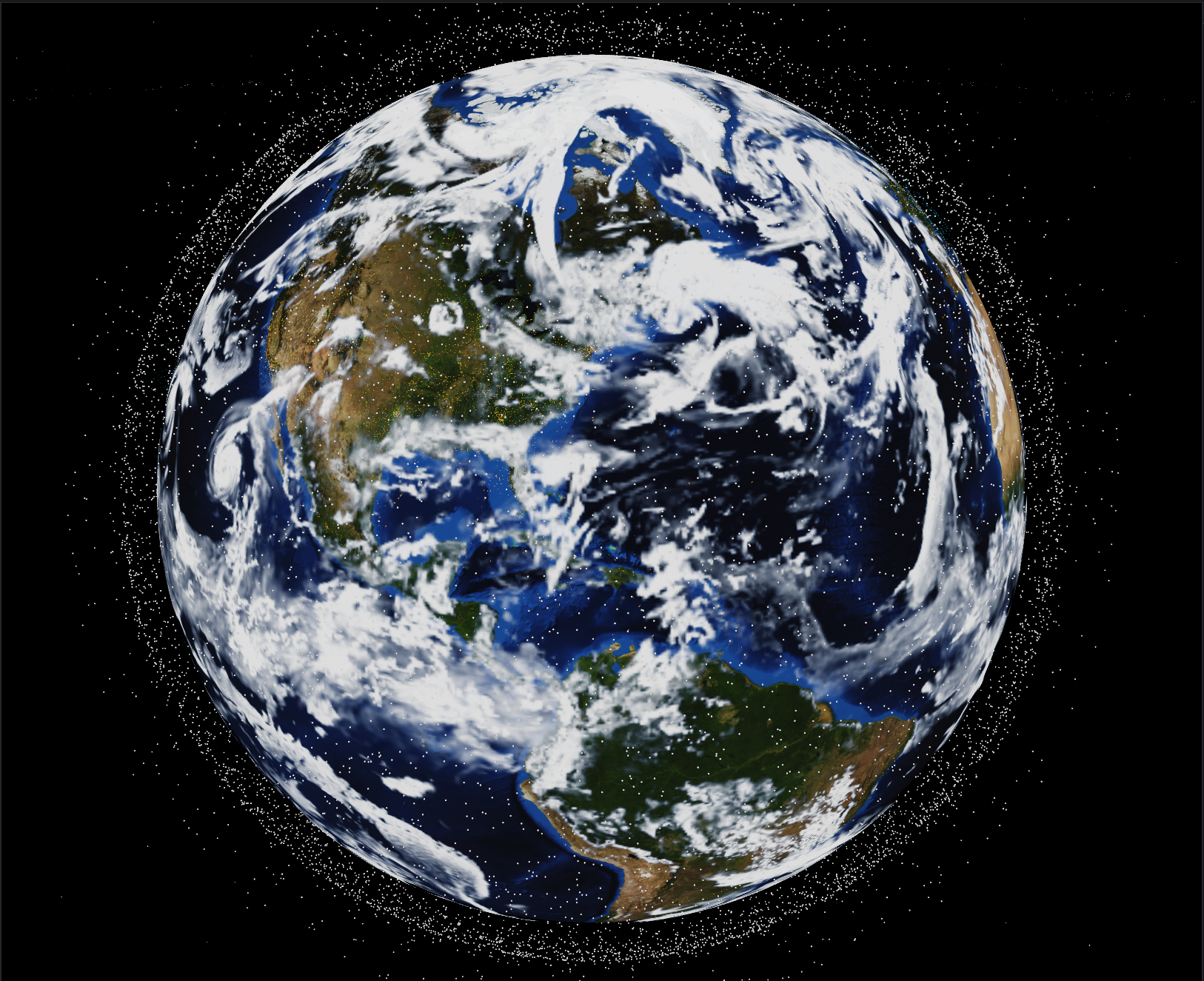
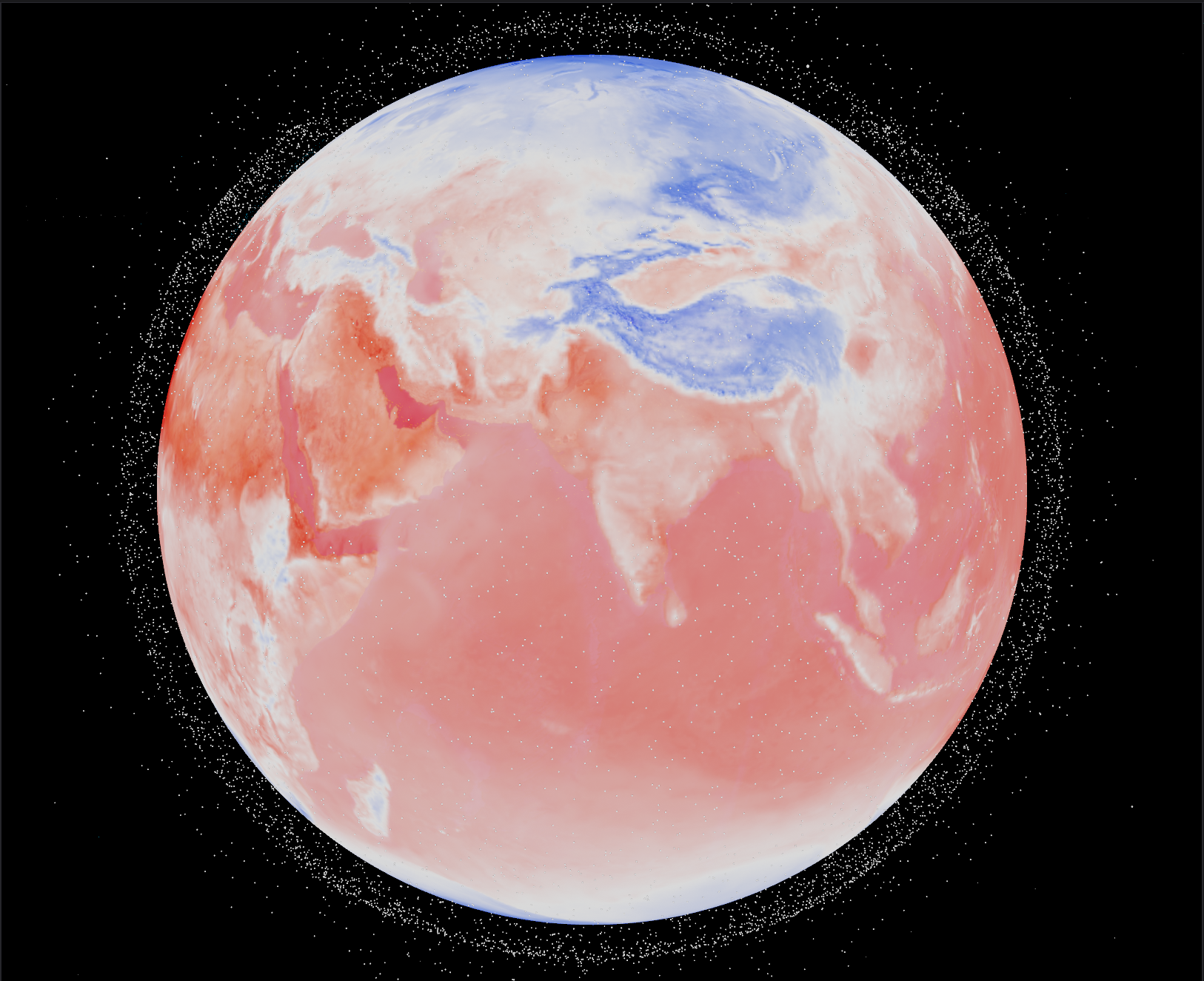
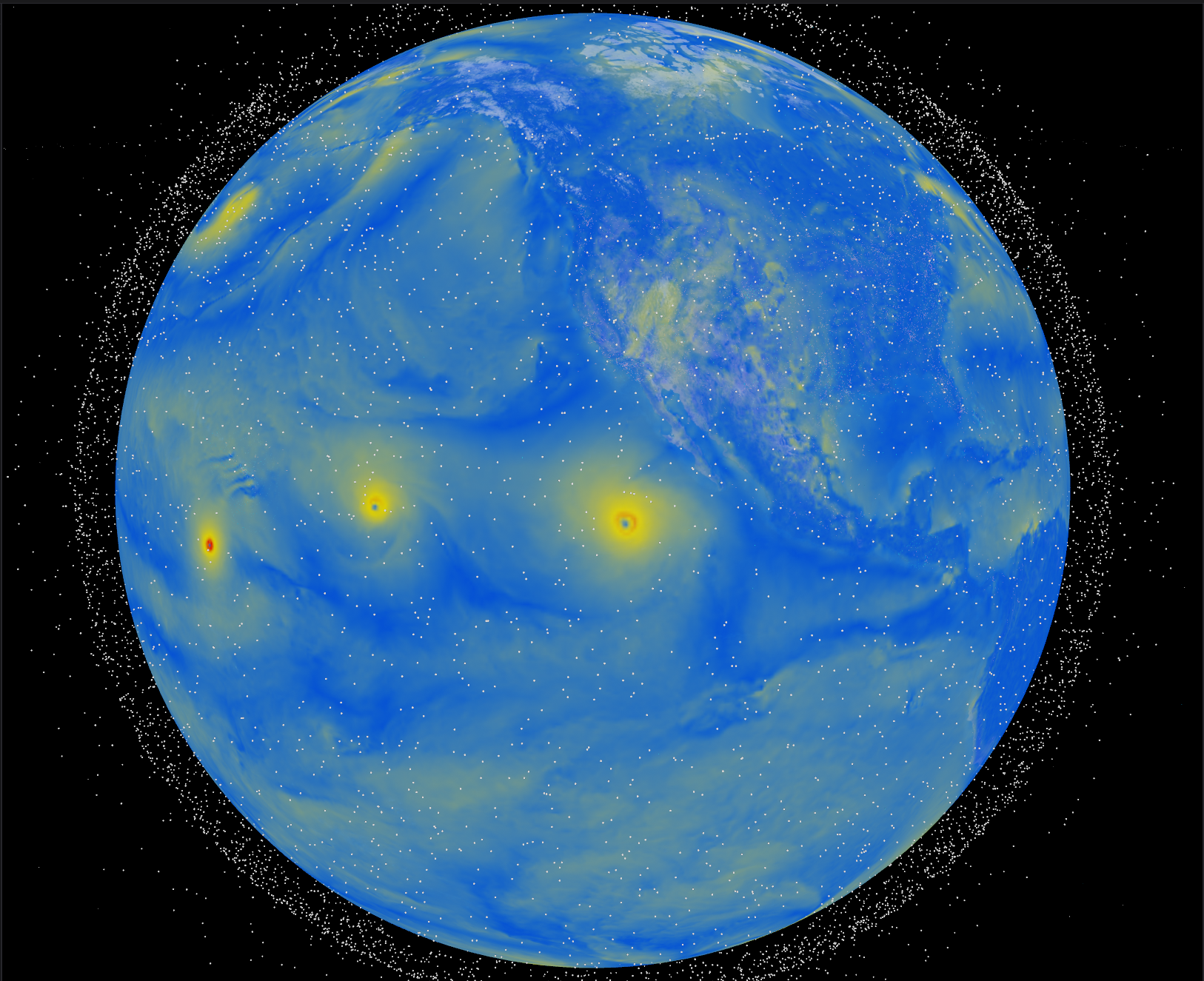
The flight model samples atmospheric data independently of the renderer. Wind, temperature, and pressure feed aircraft physics; the globe overlays provide a visual way to inspect selected fields. The weather controller defines the shared display fields and source configuration.
Shared Interfaces and DIS
The default local stack uses 239.255.0.1:3000 for DIS and 239.255.0.2:5000 for version-2 TTR1 reports, on loopback. DIS carries truth/entity state; track reports carry sensor-derived estimates and fused results.
The disrupt library provides DIS 7 encoding and decoding, EnTT-backed world state, fixed-step ticking, and UDP or in-memory sinks. Entity State publication uses configurable heartbeats and motion thresholds; observers dead-reckon received state and manage timeouts.
Other supported PDUs include Fire, Detonation, Collision, Electromagnetic Emission, IFF, Transmitter/Receiver/Signal, and simulation management. Optional bundling combines PDUs under a UDP payload cap. World and observer registries can export WGS-84 GeoJSON or KML with DIS identity and type metadata.
Local RF streams default to shm;none;iqgen and shm;none;iqradio-monitor. Quote these endpoints in shell commands because they contain semicolons. The RF article explains format preservation, metadata, copies, and backpressure.
Build and Run
The top-level project requires CMake 4.4+. Core simulation libraries use C++20, while WGFX and GPU-facing targets require a C++23-capable toolchain. Dependencies combine vcpkg packages and CPM-managed libraries. Optional native backends are controlled by TSIM_ENABLE_CUDA and TSIM_ENABLE_ROCM.
.scripts/configure.sh -r
.scripts/build.sh -r
The install contains three separate Process Compose groups. On Linux/macOS, run process-compose -U from the corresponding directory:
| Installed directory | Group |
|---|---|
build/dist/bin/ |
Flight, sensors, fusion, viewers, and entity backend |
build/dist/bin/iqgen/ |
Signal generator and waterfall |
build/dist/bin/radios/ |
Radio service, monitor, and browser consoles |
The grouped radio setup uses API port 33106, separate from Trackfuse’s 33105. On Windows, installed Process Compose configs use Git Bash; run process-compose -p 8080 and choose different supervisor ports for additional groups.
Each deep dive includes subsystem-specific examples and links to its source documentation. The repository contains the current scenarios, profiles, tests, and benchmarks. Model fidelity and measured performance depend on the selected configuration, backend, and workload.